











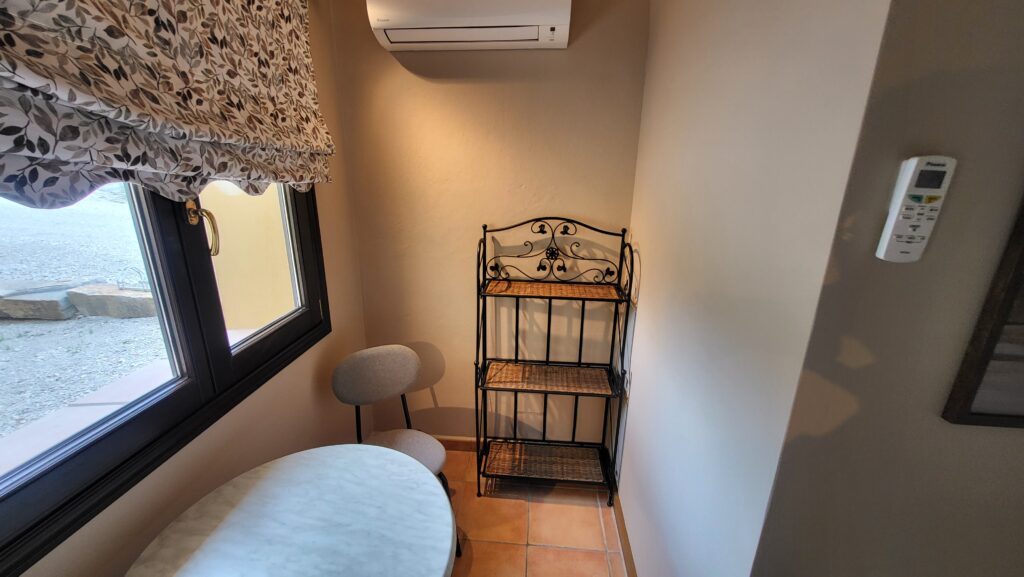
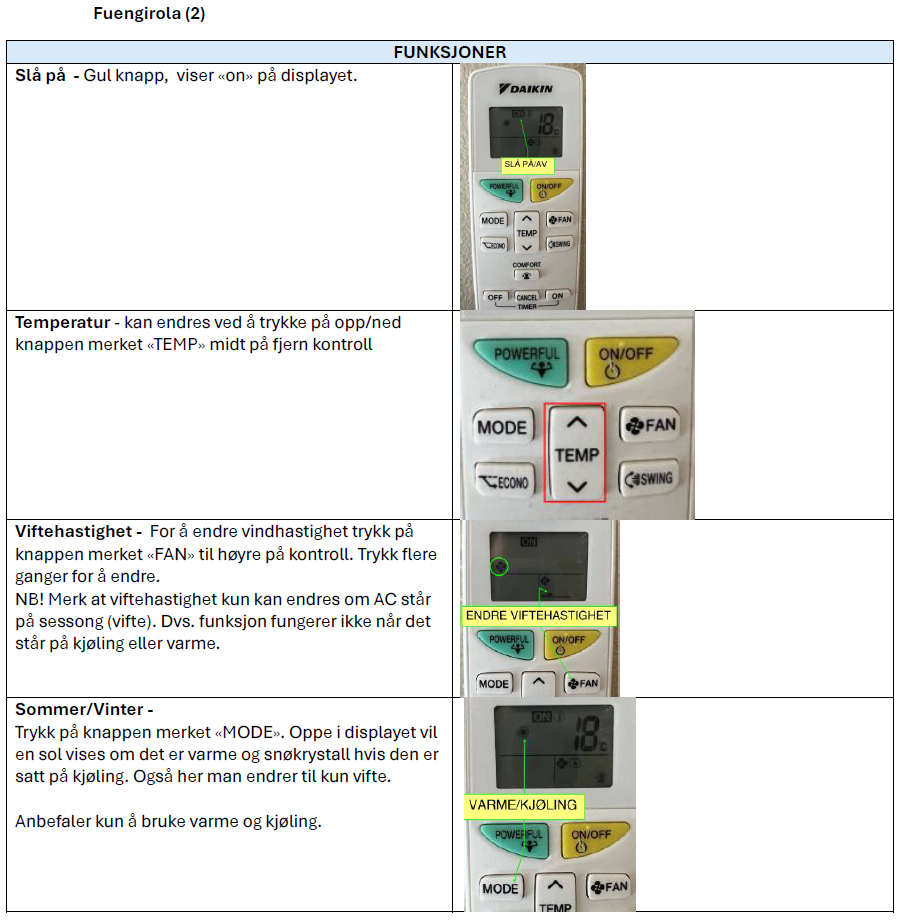
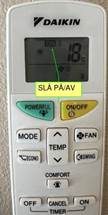
Turn On – Yellow button, displays “on” on the screen.
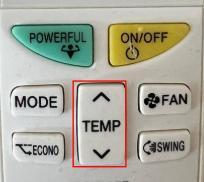
can be changed by pressing the up/down arrow button marked “TEMP” in the middle of the remote control
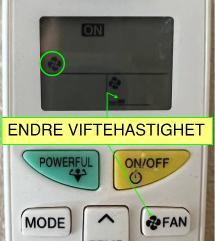
To change fan speed, press the button marked “FAN” on the right side of the control. Press multiple times to change temperature. NB! Note that fan speed can only be changed when the AC is on season (fan). This means the function does not work when it is set to cooling or heating.
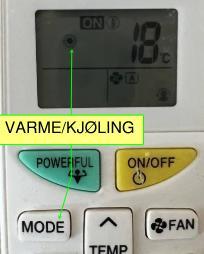
Summer/Winter – Press the button marked “MODE”. At the top of the display, a sun will appear if it is set to heat and a snowflake if it is set to cooling. This is also where you can change to fan only.
We recommend only using heat and cooling.