











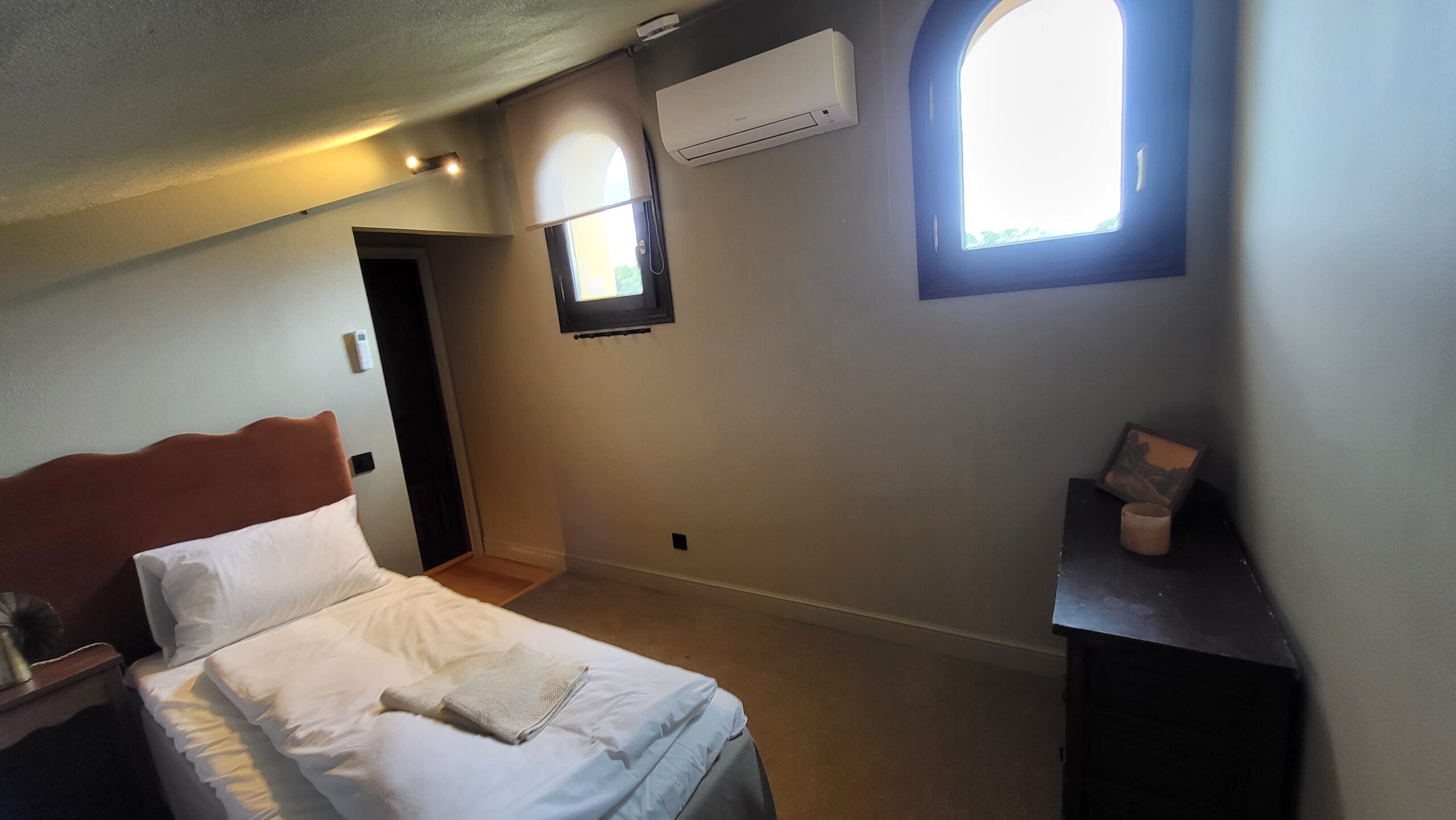
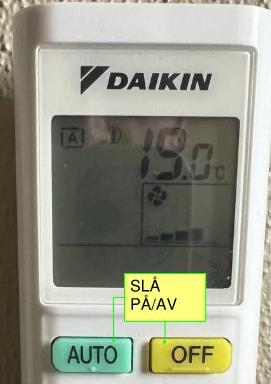
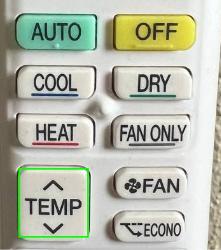
can be changed by pressing the up/down button marked “TEMP” in the middle of the remote control
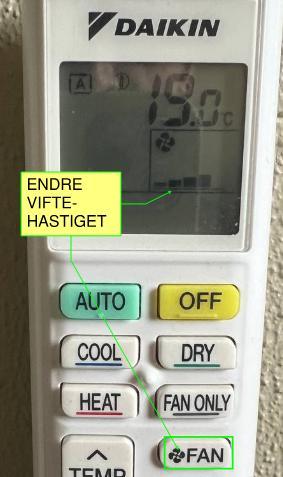
Can be changed by pressing the up and down buttons on the “Fan” button on the right side of the remote control. Fan speed is shown on the display
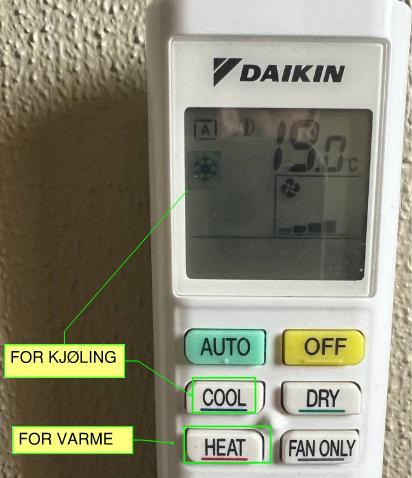
Press the button marked “COOL” for cooling and press the “HEAT” button. A sun will appear in the display if it is set to heat, and a snowflake if it is set to cool.